Performance Store configuration
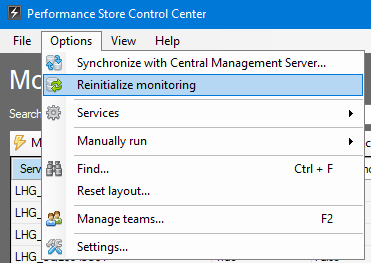
The Performance Store configuration can be changed from the Performance Store Control Center in the Settings menu:
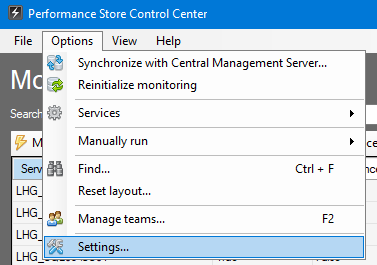
In the Settings menu, most Performance Store settings can be changed:
Reinitialization of monitoring
Reinitialization will remove all Performance Store objects from all selected servers that are not set to be “Not monitored”. Objects are the Performance Store XEvent session, the Performance Store user and the local management database. After removing the objects, they will automatically be created again.
A reinitialization can be necessary if changing certain settings in the Settings menu.
The reinitialization process is the same as removing monitoring from a server and enabling monitoring again on the server.
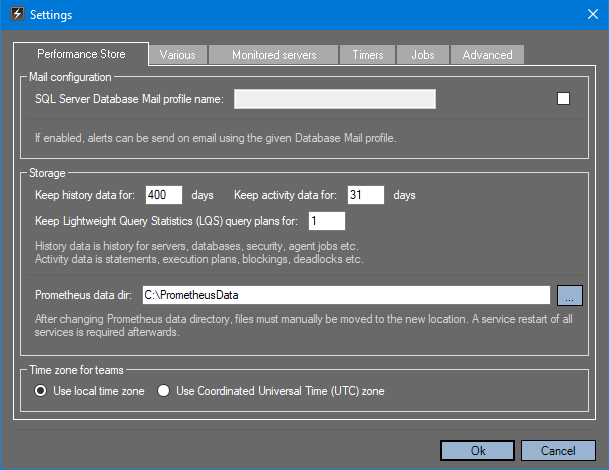
Reinitializing of monitoring is done from the Performance Store Control Center: