Query statistics dashboard
Shows query statistics for all queries, except for stored procedure executions. To see stored procedure execution statistics use the “Procedure statistics” dashboard.
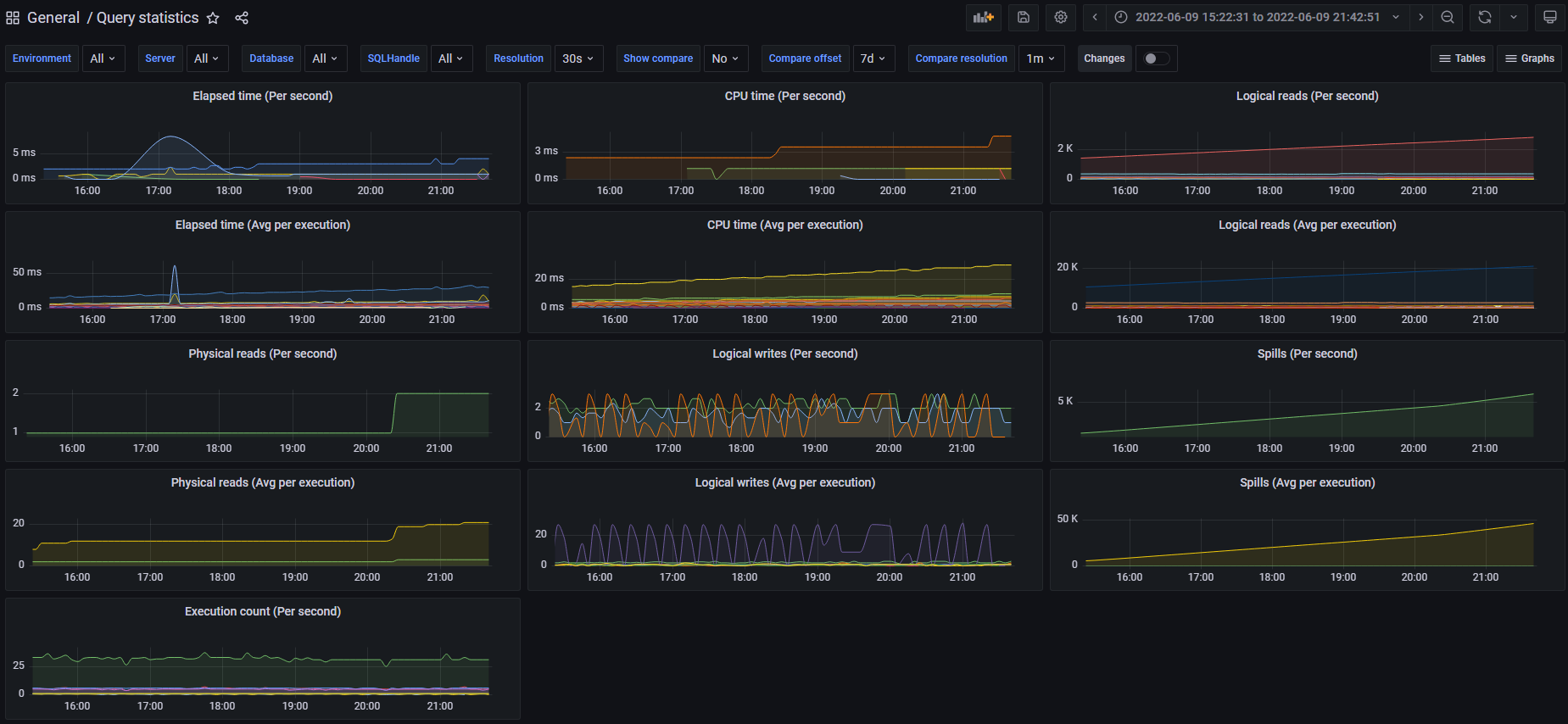
Information about every query and it’s metrics for every sample can be seen:
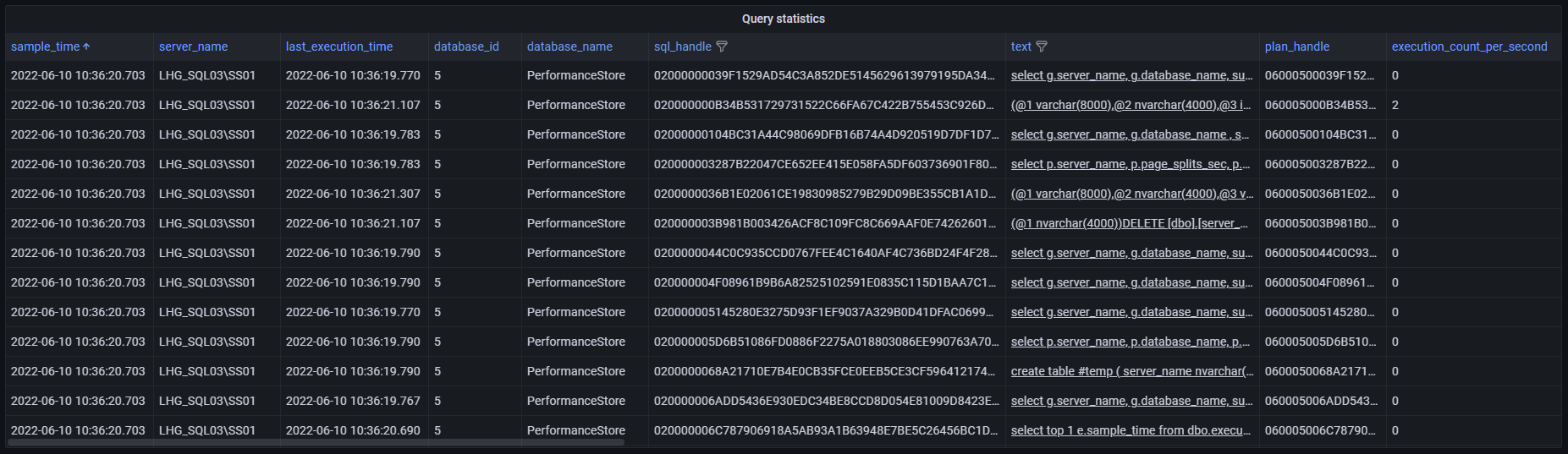
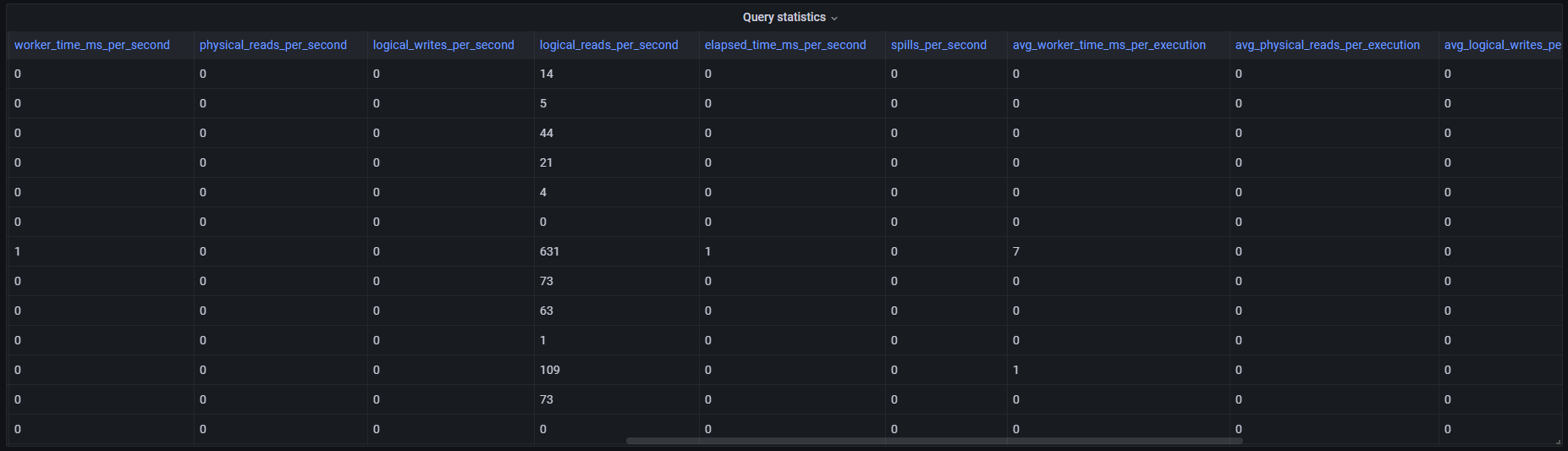
Query statistics (aggregated) dashboard
In addition to the “Query statistics” dashboard, another dashboard “Query statistics (aggregated)” exists. This dashboard shows aggregated statistics over the chosen time period, e.g. if the chosen time period is 24 hours, it will show aggregated statistics for each ad-hoc query executed in the chosen 24-hour time interval.
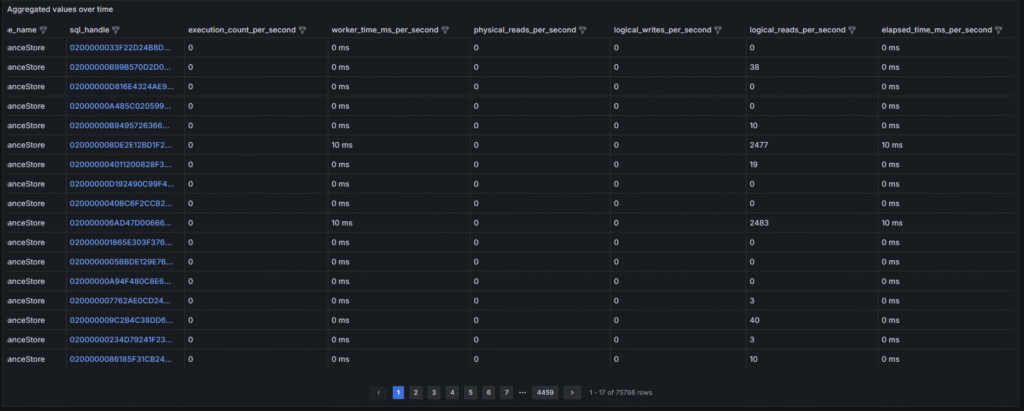
Click on the value in the sql_handle column to go directly to the graph view for the particular ad-hoc query, to see how it has performed historically over time.
Corresponding view in the Performance Store database:
dbo.v_query_stats
dbo.v_query_stats_current (shows query stats for the latest sample)
dbo.v_hist_query_stats
Other relevant views in the Performance Store database:
dbo.v_procedure_stats
dbo.v_procedure_stats_current (shows procedure stats for the latest sample)